
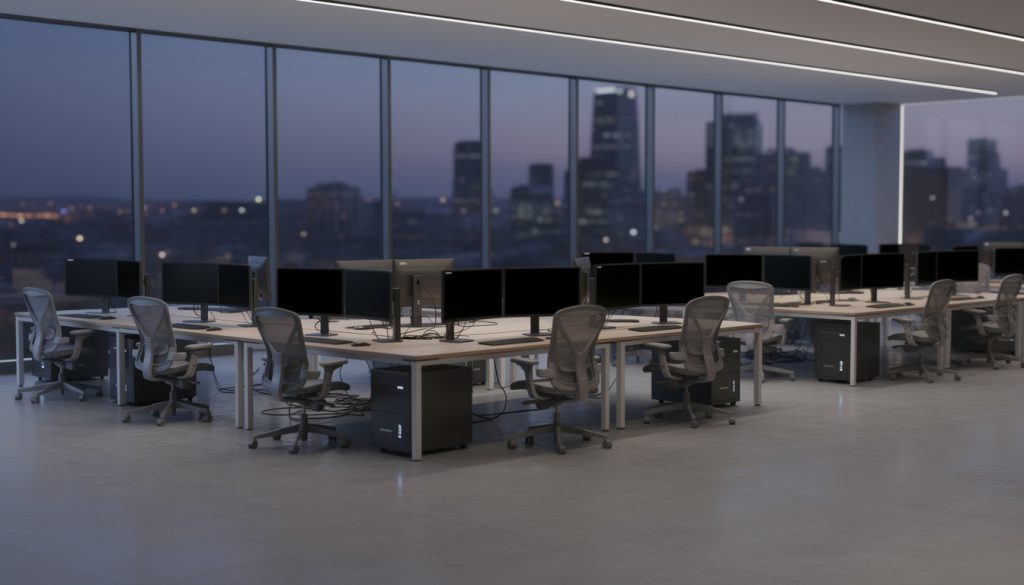
How Enterprise PC Power Management Reduces Energy Waste comes down to one idea: idle workstations slip into low-power states automatically, and nobody at the desk has to notice. Large organizations often burn thousands of kilowatt-hours simply because unattended machines run around the clock. Centralized controls close that gap while daily workflows and overnight maintenance carry on as usual.
What Counts as Idle? Inactivity Detection Explained
Every PC keeps track of when the last keystroke, mouse movement, or active process happened. That bookkeeping is inactivity detection, and it drives the idle timeout: once the countdown expires, the operating system starts power state transitions without asking anyone. A workstation left on overnight in an empty office is doing nothing useful, yet it draws power like it is mid-spreadsheet.
Display Sleep Comes First
Display sleep is the gentlest step. Monitors go dark after a few idle minutes, and a nudge of the mouse brings them back. Nobody loses anything, so complaints stay rare. The deeper idle states, though, are where most of the electricity reduction happens.
Sleep Mode, Modern Standby, and Hibernate Mode
Classic sleep mode keeps memory powered and resumes in seconds. Modern standby, found on newer hardware, behaves more like a phone: the device looks off but can still handle brief background activity, so it sips a bit more power. Hibernate mode writes memory to disk and powers down completely, which makes it the deepest option and the slowest to resume. Microsoft's documentation on Windows sleep settings lays out how each timeout and wake behavior gets configured.
Local Defaults vs. Centralized Policy: Where kWh Savings Come From
Out of the box, power settings live on each individual machine, and people tinker. A user annoyed by a brief login screen switches sleep off, and that machine becomes a permanent night-shift worker. Multiply that by a few thousand desks and the always-on waste becomes a line item.
A centralized power policy flips the situation. One set of sleep thresholds gets pushed to every machine at once, and user override drift disappears because settings snap back to policy. Those fleet-wide power settings are where the measurable kWh savings originate.
The federal energy management guidance from the U.S. Department of Energy points to built-in power management as one of the most effective ways to lower computer electricity costs. There is a billing angle too. When hundreds of workstations idle down during working hours instead of sitting at full draw, peak demand reduction follows, which can soften the demand charges utilities attach to usage spikes.
Will Patching Break? Maintenance Windows and Wake Schedules
The common fear is that sleeping machines will miss security scans, updates, and backups. In practice, power policy and IT maintenance work as partners. A wake schedule can rouse endpoints at a low-impact hour, say 2:00 AM, so patches install and scans finish inside the maintenance window. Once the work wraps up, the machines drop back to sleep.
Emergencies do not follow schedules, which is where Wake-on-LAN earns its keep. Administrators send a special network packet, and sleeping machines wake immediately for an urgent patch or an off-cycle deployment. When the task ends, the devices return to deep sleep by themselves. That handoff keeps endpoint power governance intact: security goals are supported rather than blocked, and no machine stays awake just because someone forgot to switch it back.
Measuring the Win: Baseline First, Compliance Reports After
Building an Honest Energy Consumption Baseline
Savings claims mean little without a starting point. An energy consumption baseline captures actual run-time and idle power draw across desktops and laptops before any policy goes live. The gap can be dramatic: ENERGY STAR specifications reflect how a typical desktop falls from 60-plus watts awake to under 3 watts asleep. Seasonal shifts, remote-work schedules, and mixed hardware models all bend the numbers, so a baseline that ignores them tends to inflate results.
Proving It with Policy Compliance Reporting
After rollout, policy compliance reporting shows which machines followed the sleep rules and which were held awake by rogue background processes. Remote enforcement then corrects the stragglers without a desk visit. Automated reports also translate raw kilowatt-hour drops into cost savings and sustainability figures that leadership can read at a glance.
Rollout Mistakes: Why One Blanket Policy Fails
A call center, a software team, a conference room, and a reception kiosk have wildly different uptime needs. Applying one rule to all of them either frustrates people or leaves savings on the table. Role-based device groups solve this by matching policy to purpose. Low-risk pilot groups usually go first, and remote enforcement expands to the wider enterprise only after the early feedback looks clean.
| Device group | Uptime pattern | Typical policy approach |
|---|---|---|
| Call center desks | Fixed shifts, predictable breaks | Display sleep during breaks, deep sleep after shift end |
| Developer workstations | Long builds, irregular hours | Longer idle timeout, sleep once builds finish |
| Conference rooms | Short bursts, mostly empty | Aggressive sleep, wake on schedule |
| Reception kiosks | Business hours only | Scheduled wake and sleep around opening times |
Employee friction stays low because modern solid-state drives make waking from sleep nearly instant. A short internal note explaining why monitors go dark quickly, and that unsaved work stays preserved in memory, heads off most helpdesk tickets.
Machines That Cannot Sleep: Exception Management Without the Leaks
Some devices really do need to stay awake: lab equipment, render nodes, and servers running long jobs. The trouble starts when a manual exemption becomes permanent. Forgotten, it turns into exactly the always-on drain the whole program set out to remove.

Time-bound exception management handles this cleanly. Staff request an exemption, and it expires automatically after 30 or 60 days unless someone formally renews it. Quarterly audits of every excluded device then confirm whether the lab test, special project, or build cycle has actually finished. Lean exception lists keep the efficiency gains from eroding quietly in the background.
Does automated power management interrupt people who are actively working?
No. Policies rely on inactivity detection, so the countdown only starts after keyboard, mouse, and system activity stop. A machine in active use never hits the idle timeout.
What is the difference between sleep mode and hibernate mode?
Sleep mode keeps memory powered for a fast resume, while hibernate mode saves memory to disk and shuts the machine off completely. Hibernate uses less power but takes longer to come back.
How can sleeping PCs still receive overnight updates?
Wake schedules and Wake-on-LAN packets rouse machines for patching during the maintenance window or for urgent deployments. They return to sleep once the work is done.
Why do temporary exemptions matter so much?
Permanent exemptions tend to be forgotten and become always-on machines. Automatic expiry plus periodic audits keeps the exception list short.
About the Business
PowerPlug provides PC power management software for medium to large organizations and enterprises, helping them reduce energy costs and optimize IT operations. Its approach to enterprise PC power management lets teams centrally manage, automate, and monitor energy use across large-scale IT environments. Intelligent wake and sleep controls keep machines available when needed and powered down when idle, which supports both lower costs and reliable day-to-day operations.